funnelr
One-click upsells explained: how they work, 3-D Secure, and the honest way to run them
A one-click upsell is an offer shown right after payment that's charged to the same card with one click. Here's how it works with Stripe, what happens when the bank asks for 3-D Secure, and the rules that keep it honest.

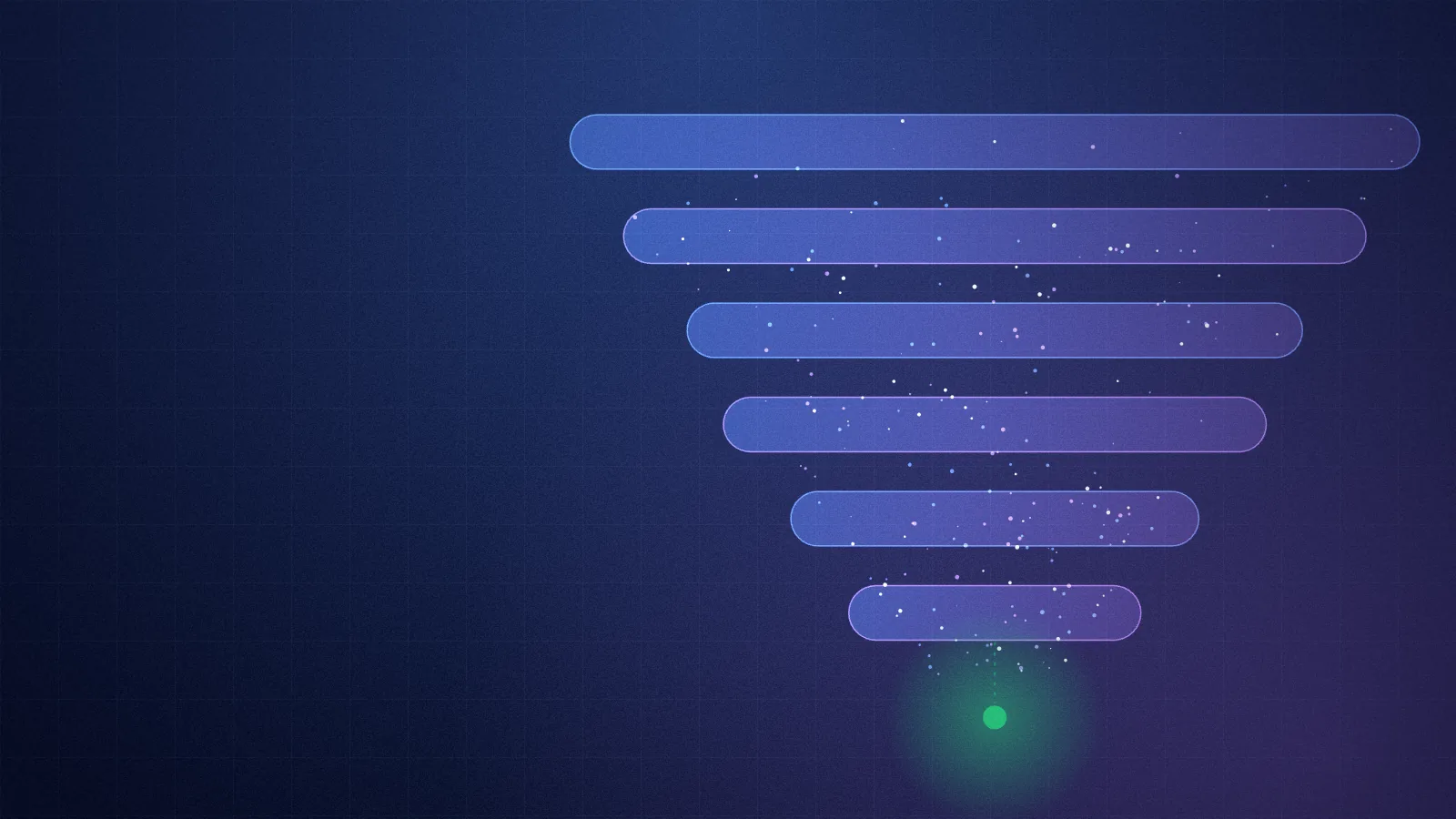
A one-click upsell is an offer shown on the page right after someone pays, which they can buy with one click because the card they just used is already on file. No form, no typing the card number again. It's the second most valuable step in a funnel after the order bump, and it's the one most often done badly: fake timers, fake "was" prices, a decline button hidden in grey text.
This post covers how it works under the hood, what happens when a bank wants extra verification, how to pick the offer, and the honesty rules that make people trust the page enough to click.
How a one-click upsell works
The sequence, with Stripe:
- The buyer pays at checkout. At that moment Stripe saves the card for later use on your account, with the buyer's consent (it's part of the checkout).
- They land on the offer page, not the download page. "One more thing before you go: add the 1:1 kickoff call for $150?"
- They click yes. Your server creates a new charge on the saved card for the offer price. No new form.
- They go on to the download page, which now lists everything they bought, and the order email includes the add-on.
If they click no, they skip straight to step 4, or to a lighter offer first (the downsell, below).
The reason it converts is the same reason the order bump converts: the decision to buy has already been made. You're not selling to a stranger. You're asking someone who said yes thirty seconds ago whether they want the next thing.
What about 3-D Secure?
In Europe and the UK (and with more banks elsewhere), card payments can require 3-D Secure: the bank asks the cardholder to approve the payment in their banking app or with a code. That's a legal requirement under strong customer authentication, and it doesn't care that the buyer clicked "yes" a second ago.
So a one-click charge can come back from Stripe as "this needs the customer to authenticate". A badly built funnel treats that as a failed payment and the sale is lost. A good one does this:
- Tries the charge. Most go straight through, because the card was just authenticated at checkout.
- If the bank asks for verification, opens a short Stripe checkout for just that offer, in the same window on your page. The bank's 3-D Secure step happens there: the buyer approves it in their banking app, the charge completes, and they carry on.
- If they don't approve, nothing is charged, and they continue to their downloads with what they already bought.
Funnelr handles all three cases. There's nothing to set up, and the buyer is never charged twice or without confirming.
The downsell: a lighter yes
Some people say no to the upsell because of the price, not the idea. A downsell catches them: right after the decline, offer a smaller version.
- Upsell: the 3-call coaching intensive for $249. Downsell: one call for $99.
- Upsell: the advanced course. Downsell: just the templates from it.
- Upsell: the bundle of all three guides. Downsell: the one most buyers ask about.
Taking the downsell settles it: they don't see the original offer again. Declining it takes them to their downloads. One downsell per upsell is plenty. A chain of five "wait, how about this" pages turns a good purchase into a bad memory.
Picking the offer
The upsell should be the next step after what they just bought, not a random second product.
- Bought a course? The next step is help applying it: a call, a review of their work, a group session.
- Bought a template pack? The next step is the full system, or the done-for-you version.
- Bought a membership? The next step is a one-off: an intensive, a starter kit, a planning session.
Rules of thumb that hold up:
- One offer at a time. Two buttons for two different products splits the decision and both lose.
- Higher value than the main product is fine. Plenty of funnels upsell a $250 call after a $49 course. The buyer who wants help will pay for it.
- It must be a single charge. A membership or a payment plan can't be one-click: those need their own checkout and terms. Sell them from their own page and link to it from the order page.
The honesty rules
This is where most funnels lose trust. The rules are simple:
- No fake timers. A countdown that resets when you reload the page is a lie, and people know it. If an offer genuinely ends (a real launch, a real sale), say when.
- "Only on this page" should only appear when the one-click price is genuinely lower than the price in your shop.
- A clear no. "No thanks, continue to my order" as a real button, the same size as the yes. People who feel trapped refund.
- Say what happens next. "Charged to the card you just used. Your downloads are on the next page either way."
- Refunds work. If they regret it, a refund closes the add-on's access the same way it closes everything else.
Funnelr enforces most of this in the engine: a struck price only appears when the product has a real regular price in the store, and there's no setting for a fake timer. That's on purpose. A funnel you can't trust doesn't convert for long.
Measuring it
Watch three numbers per offer:
- Shown: how many buyers reached the offer page.
- Taken: how many clicked yes (and how many took the downsell instead).
- Revenue per buyer: total upsell revenue divided by everyone who was shown it. This is the one that tells you if a higher price that fewer people take is actually better.
Funnelr's admin shows each offer with accepts and declines from its built-in stats. When you change something, change one thing at a time: the price, or the offer, or the headline. Not all three, or you won't know which one moved the number.
Setting it up
In Funnelr it's a few lines in the site's config: which products are offered after payment, in what order, at what price, and which downsell follows each one. Your AI writes it from a sentence like "after the course, offer the kickoff call for $150; if they say no, offer the 30-minute version for $59." Then it tests the whole path on your computer with fake payments, including the decline and the downsell.
See the full funnel the upsell sits in on the home page, or the funnel for coaches, where a call is the natural upsell.
FAQ
What is a one-click upsell?
An offer shown right after a purchase that the buyer can accept with one click, because the card they just paid with is saved. There's no second checkout form.
Are one-click upsells allowed with Stripe?
Yes. Stripe supports charging a saved card after checkout when the customer agreed to it at checkout. Funnelr sets this up as part of the checkout and charges the card only when the buyer clicks yes.
What happens if the bank asks for 3-D Secure on the upsell?
A short checkout for just that offer opens in the same window, and the bank's verification happens there. If the buyer approves it, the upsell is charged. If they don't, nothing is charged and they continue to their order.
What is the difference between an upsell and a downsell?
An upsell is the bigger next step offered after payment. A downsell is a smaller, cheaper version offered only to people who declined the upsell.
Can a membership be a one-click upsell?
No. One-click upsells are single charges. Sell a membership or a payment plan from its own page with its own checkout, and link to it from the order page.