funnelr
A Kajabi alternative for courses: sell your course from your own site
The Kajabi alternative for course creators who'd rather own it. What a course business needs, what Kajabi costs over three years, and how to run lessons, checkout and emails on your own accounts.


A good Kajabi alternative for courses has to do four things: take the payment, open the lessons to the people who paid (and close them on a refund), send the emails, and show you what's selling. You can do all four on your own website, with Stripe taking the payments and your lessons in a members area you control, for a one-time software price instead of a monthly plan.
Kajabi is a polished, all-in-one course platform. If you're happy paying for that, there's no reason to move. This post is for people who've looked at the bill, or at where their customer list lives, and want the same result on accounts they own.
What a course business needs
Most course creators use a fraction of what an all-in-one platform offers. Here's the list that actually matters:
- A sales page for the course.
- A checkout that doesn't feel like leaving your site, with a payment plan for people who'd rather pay in three.
- An add-on before payment, usually a workbook or templates.
- An offer after payment: coaching, a next-level course, a group call.
- A members area with lessons (video or text), downloads, progress, and lessons that open on a schedule if you drip them.
- Emails: the access link, a welcome series, and a free lesson or guide to capture people who aren't ready.
- Access that follows the money: a refund or a cancelled membership closes the course automatically.
If you've got those, you've got a course business. Communities, live calls and podcasts are extras you can add when you need them.
What Kajabi costs over three years
Public list prices, October 2026, paid monthly (annual billing is cheaper, card fees not included):
| Entry plan | Top plan | Three years at the entry price | |
|---|---|---|---|
| Kajabi | $179/mo | $499/mo | $6,444 |
| ClickFunnels | $97/mo | $297/mo | $3,492 |
| GoHighLevel | $97/mo | $497/mo | $3,492 |
$6,444 over three years on the entry plan is real money for a course that sells a few times a week. It's also money you keep paying whether the course sells that month or not. The comparison page has the rest of the platforms side by side.
Where your course lives when you own it
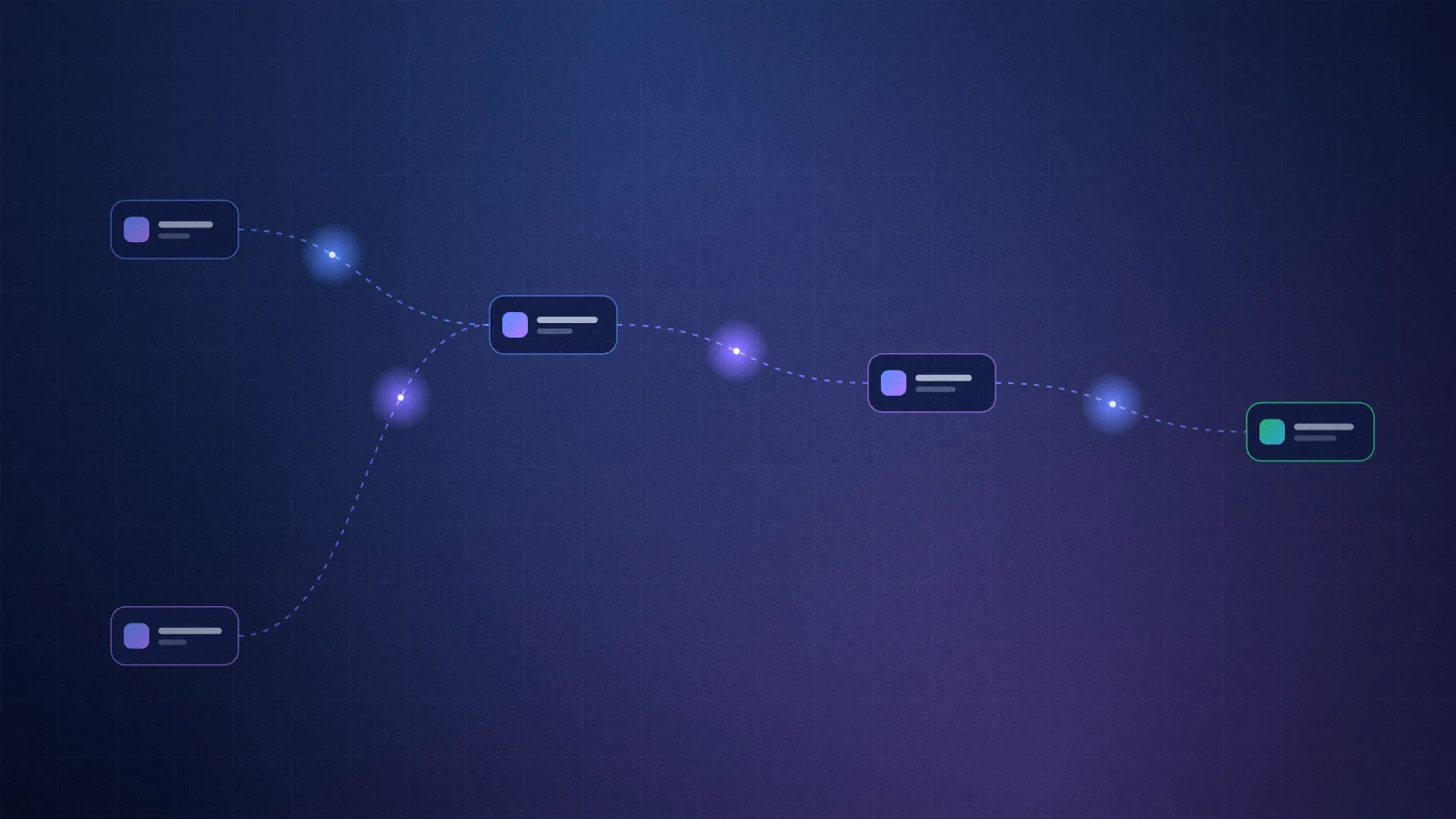
Here's how an owned course site is put together with Funnelr:
- Your site and your lessons run on your Cloudflare account. Video sits wherever you already host it (YouTube unlisted, Vimeo, Cloudflare Stream) and plays inside the lesson.
- Payments go to your Stripe account: one payment, a payment plan, or a monthly membership with a free trial.
- Emails go out through your Resend account, from your own domain.
- The members area is at
/memberson your site. Buyers get in from the link on their order page, an emailed sign-in link, or a password if they set one.
Access is checked against the purchase on every visit. If someone gets a refund, their course closes within minutes. Nobody has to remember to remove them.
Lessons, drip and progress
A course in Funnelr is a block in the site's config file: modules, lessons, and for each lesson a video link, the text (in markdown), any downloads, and optionally:
- Drip: "opens 7 days after purchase".
- Free preview: the first lesson open to anyone, so the sales page can link to it.
- Downloads on the lesson: the worksheet, the template, the slides. Only buyers can open them.
Members see their progress, pick up where they stopped, and every lesson they've finished is ticked. You don't drag lessons around in an editor; you tell your AI "add a lesson called Budgeting for irregular income after lesson 3, here's the video link" and it edits the config. That's the trade, and for most people it's faster.
Selling it: plans, bumps and upsells
The money in a course business usually isn't the course price alone. It's what happens around it.
Payment plans. A $297 course becomes three payments of $109. People who'd hesitate at $297 say yes. The plan stops by itself after the last payment, and the course is theirs for good. More on choosing between a plan and a subscription in payment plans vs subscriptions.
The order bump. A workbook at a third of the course price, offered in the payment window. It's one click to add, no extra form. (How to pick it: what is an order bump.)
The one-click upsell. After payment: a 1:1 kickoff call or the advanced course, charged to the same card with one click. If they decline, a lighter version. (One-click upsells explained.)
The free lesson. A popup and an inline form that give away the first lesson or a guide for an email address, then a welcome series that sells the course.
A quiz, if you sell more than one level: a few questions that send beginners to the course and experienced people to coaching. (Quiz funnels that qualify buyers.)
Memberships and communities
If your course is part of a membership, the same site handles it:
- A monthly or yearly plan with an optional free trial. Members manage billing themselves through Stripe's customer portal.
- A community: members-only spaces with posts, comments and likes, moderated from your admin.
- Coaching: sessions booked on your own weekly hours, with reminders.
- Live events: a weekly call with registration, reminders and replays.
- An AI assistant trained on your own material, if you want one.
You switch each one on in the config. They all sit in one members area, so a member sees their course, their community and their next call in one place. There's a full example site running all of it: Soundcheck, a membership for touring musicians (a demo, payments are fake).
What you give up
- The visual editor. Your pages and lessons are edited through your AI, not by dragging blocks.
- One login for everything. You'll have a Cloudflare, a Stripe and a Resend account. Each has a free plan to start.
- Hand-holding from a platform's support team. You have your AI and the setup checker, which tells you exactly what's missing.
Who should stay on Kajabi
- You want one company to call when something breaks.
- You use features you'd miss, and you've checked they aren't on the list above.
- The monthly fee is small next to what the course earns.
Who should own their course
- You sell one or a few courses, maybe with coaching or a membership.
- You'd rather pay once and keep the difference.
- You want your buyers in your own Stripe and your list in your own email account.
The page for course creators shows the full course funnel in one place.
FAQ
What is the best Kajabi alternative for selling courses?
If you want another all-in-one platform, there are cheaper monthly options. If you want to stop renting, the best alternative is a course site on your own accounts: lessons in a members area on your site, Stripe for payments, your own email account for the list. Funnelr gives you that for a one-time price.
Can I sell a course without a course platform?
Yes. You need a checkout (Stripe), a members area that checks who paid, and emails. Funnelr provides the members area and the funnel around it, on your own website. See how to sell a course with Stripe without a platform.
Where do I host the course videos?
Anywhere that gives you an embed link: YouTube (unlisted), Vimeo or Cloudflare Stream. The lesson page plays the video, and only buyers can open the lesson.
What happens to a student's access if they get a refund?
It closes by itself. Access is checked against the purchase in Stripe, so a refunded or cancelled purchase stops opening the course within minutes.